




SpinWinera App
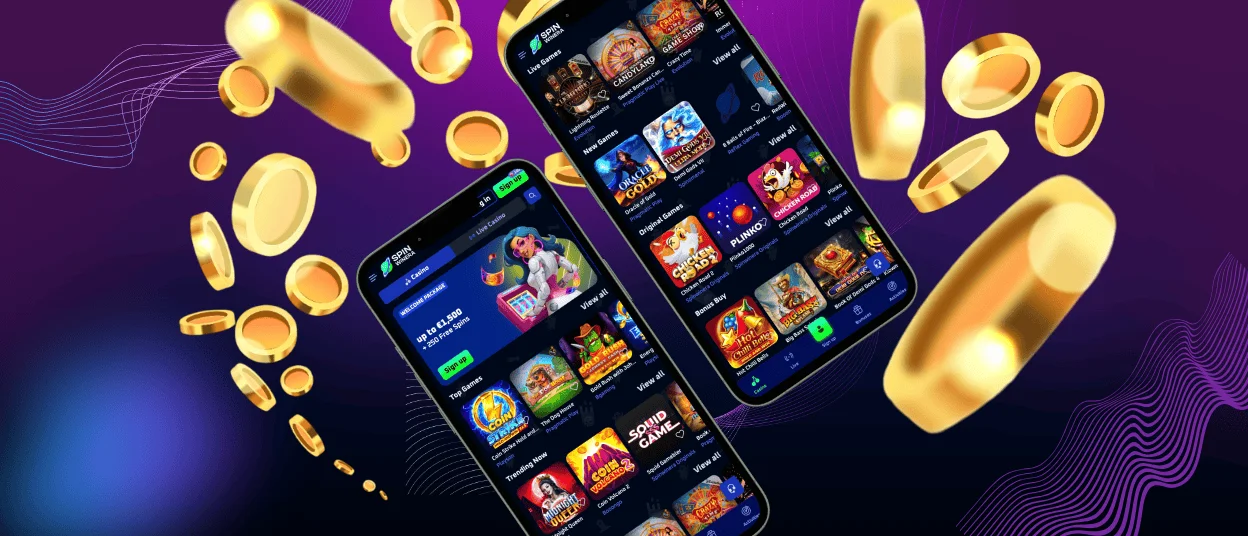
Playing on the go shouldn’t be a problem in the modern world and the SpinWinera app is an excellent example. We offer all our Android and iOS users convenient mobile software, which adapts to any modern smartphone and tablet. You get access to the huge game collection, profitable bonuses, built-in live chat for support and much more. Additionally, you can access SpinWinera via any mobile browser and use it without issues.



SpinWinera App – Mobile OS
There is a tendency that more and more people prefer to use their mobile devices for work, hobbies and entertainment. At Spin Winera Casino, we understand this and offer our clients a range of options to enhance their gaming experience. Players can always use our platform from their phones in any preferred mobile browser, e.g., Safari, Google Chrome and others. This option is equivalent to the full desktop version.
SpinWinera also provides a dedicated application. It has the same design, navigation and functionalities. The entire game collection, with over 6,000 titles, will be available on your mobile device. The main advantage of SpinWinera Casino is that after logging in, your information, preferences and achievements will be synchronized between all devices.
The mobile versions mirror the main website. That’s why you can start your journey in the SpinWinera app, complete the registration process and take all the necessary actions there as well. As a safety measure, we’ll also require you to go through the verification process before making your first withdrawal.
SpinWinera App – iOS (Apple)
All our clients with iOS devices can relax, as they all have the opportunity to use SpinWinera on the go. Safari and other browsers offer you a convenient mobile version that adapts to the smaller screen sizes.
You can also install the SpinWinera app to access it with a single click from your home screen. Due to restrictions on gambling, the software isn’t available in the App Store. You can install it directly from our website. If you decide to try out the app, follow our instructions below for a smooth and quick process:
- Visit the Spin Winera Casino website from your mobile device.
- Go to the footer of the main page.
- Click the “Casino App” button.
- On the appeared page, choose “Install” in the middle of the screen.
- After the installation is ready, the brand icon will appear on the home screen of your iPhone or iPad.
Spin Winera App – Android Devices
Using our mobile casino is easy if you have an Android smartphone or tablet. As with iOS, here, you can also enjoy gaming in the browser version or the SpinWinera Casino app. The mobile software doesn’t require downloading any unknown files. It is a progressive web application (PWA). It generally uses minimal device storage, storing only cached data. For best performance, use Android 8.0 or later.
The SpinWinera app for Android can be installed from our platform by clicking the “Casino App” button. If you prefer the mobile browser version but want faster access, most browsers offer an option to install a shortcut icon. Which means you don’t have to go to the browser and take any additional steps – just click the icon on your home screen.
Desktop Application
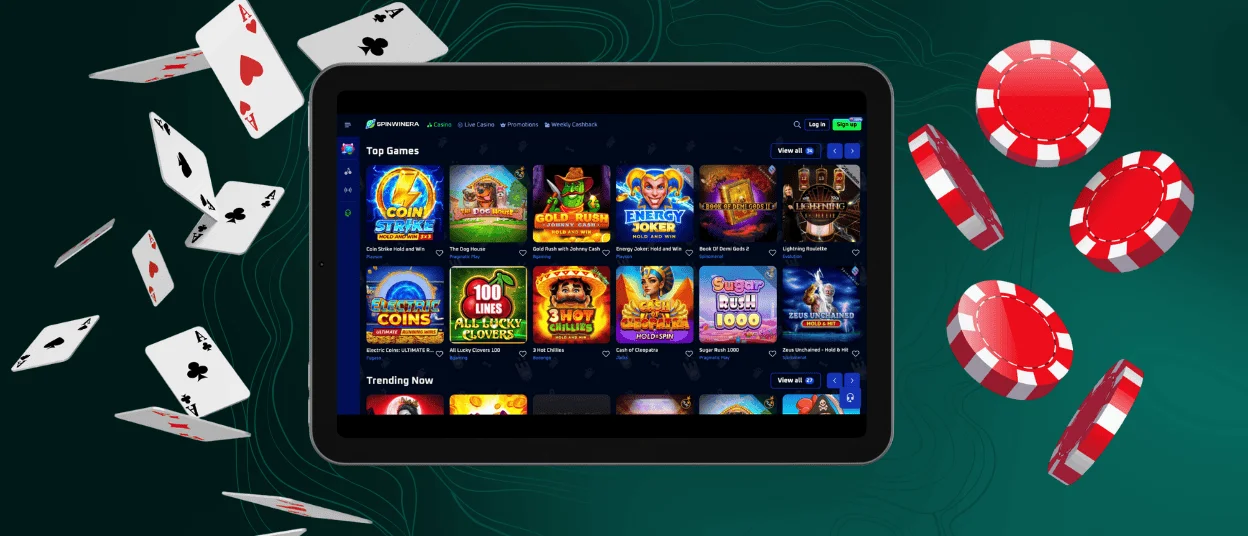
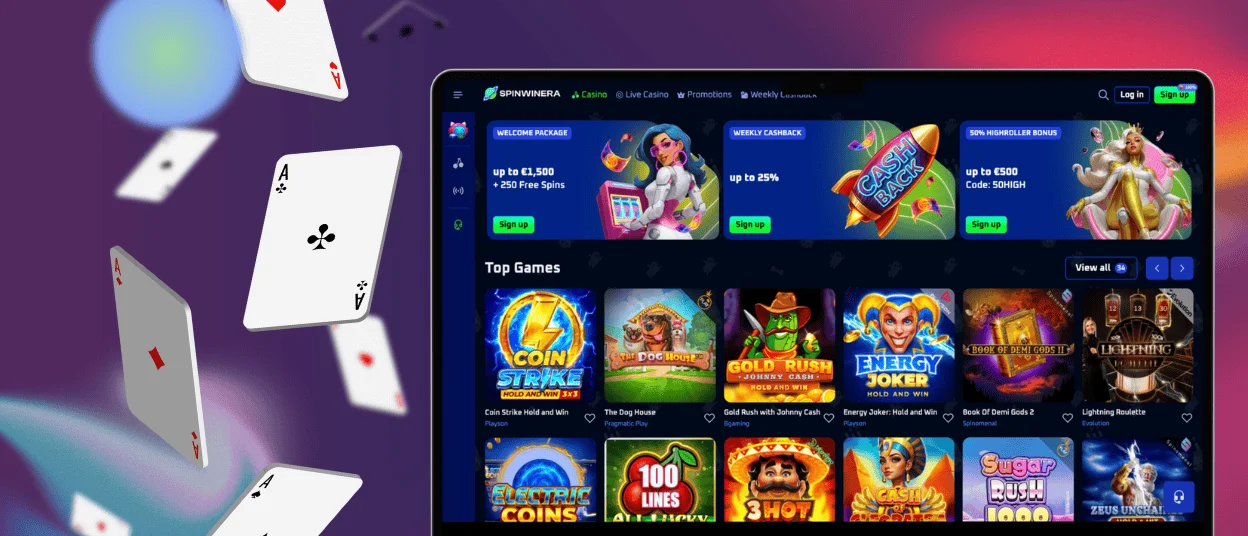
While highlighting the features of the mobile versions, we haven’t forgotten those who prefer to play on a PC or laptop. In many situations, it’s really nice to enjoy the process on a big screen in the comfort of your own home. SpinWinera Casino offers its customers convenient options tailored to their preferences.
Whether you have a Windows or macOS PC, you can access our platform in any preferred browser. You do not need to download any additional Spin Winera app or file. For faster access, any browser offers to install an icon on your desktop. In the table below, you will find information on how to do this on Windows and macOS.
| Step | Windows | macOS |
| Open browser | Open Chrome or Edge and go to the SpinWinera official website. | Launch Safari or Chrome and visit our website. |
| Create shortcut | Go to the menu (three-dot button) and select the “Add to Home Screen” option. Confirm your actions. | In Safari, click “File” and choose “Add to Dock”. You can change the name and visual part of the icon. |
| Launch | Open the created desktop icon to access the casino instantly. | Click the shortcut for quick access to SpinWinera Casino. |
FAQ
Can I Play Live Casino Games in the App?
Just like online slots and table games, live dealer options are available for play on mobile devices. Similarly, your favorite games are broadcast online with professional croupiers but adapted to the screen size.
Is the Spin Winera Casino Safe and Secure to Use?
The SpinWinera app is a licensed online casino that adheres to all necessary industry safety protocols. Your data and transactions are protected by 256-bit encryption. You can also protect your account in the mobile software by enabling two-factor authentication.
How Do I Contact Customer Support from the App?
In the SpinWinera app, there is a built-in live chat where you can contact our support team and get a reply within a few minutes. We’re available 24/7 to answer any questions about the platform.
Does the App Use Mobile Data or Only Wi-Fi?
Spin Winera Casino is available via mobile data or Wi-Fi. In this case, it doesn’t matter what device you’re using. For smooth operation, the internet connection should be stable.


